 |
 |
|
|
This function allows you to add the container permit in the SAUDI EDI application.
To discard the container
1. Open the Search page. (SAUDI EDI>> Checkout Container Permit>> Search)
2. Click the Container Reference No. link to retrieve the record as described in Searching Checkout Container Permit.
3. Click Correction button, the Checkout Container Permit Edit screen will be displayed.
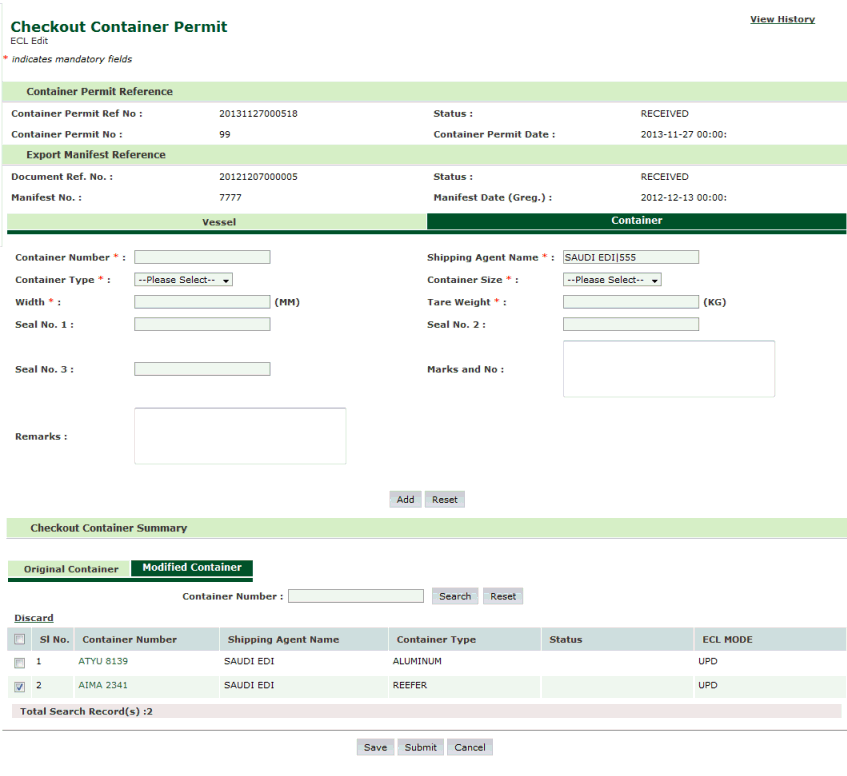
Check Out Container Permit Discard Page
4. Select the corresponding check box and click Discard.
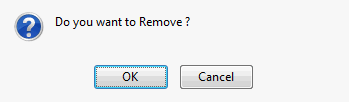
Confirmation Message Box
5. Click Ok, The Container Permit will be discarded.
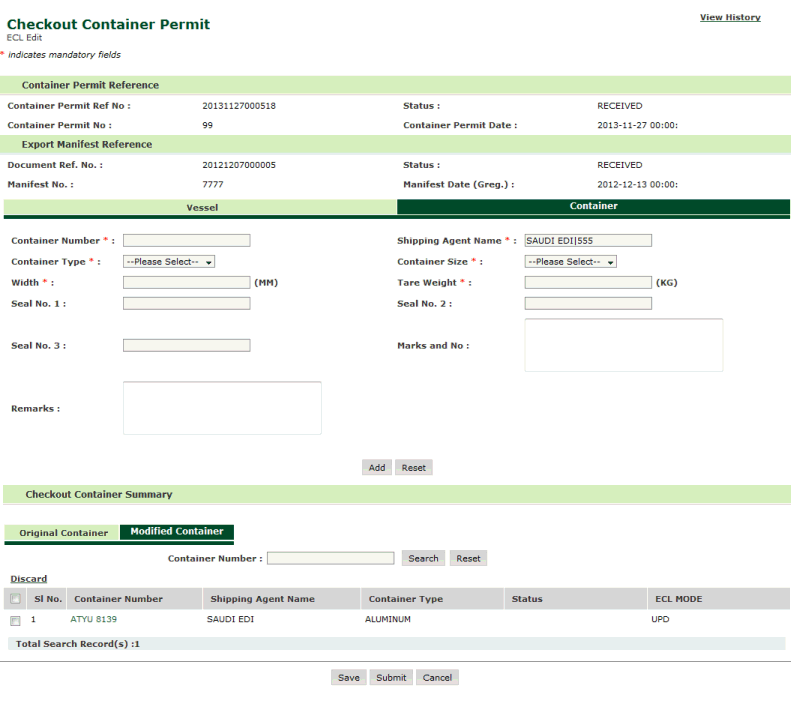
Checkout Container Permit Discarded Page
Note: After discarding records from Modified Container Tab, check box and hyperlink of corresponding records will be enabled in Original Container Tab as shown below. |
Note: User can also discard records with ECL Mode as INS. |