 |
 |
|
|
This option allows you to delete the existing manifest details using the SaudiEDI application.
To delete the import manifest details
1. Open the Manifest Search page. (SAUDIEDI>> Manifest>> Search)
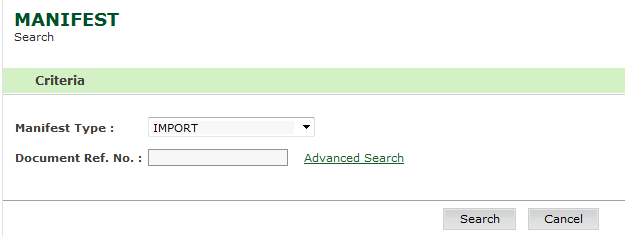
Manifest Search Page
2. Enter
the information in the Search Criteria
fields.
| Field | Description |
Manifest Type |
Select the manifest type from the drop down list. |
Document Ref No. |
Enter the document reference number. |
3. Click Search. The Manifest Search Result page is displayed.
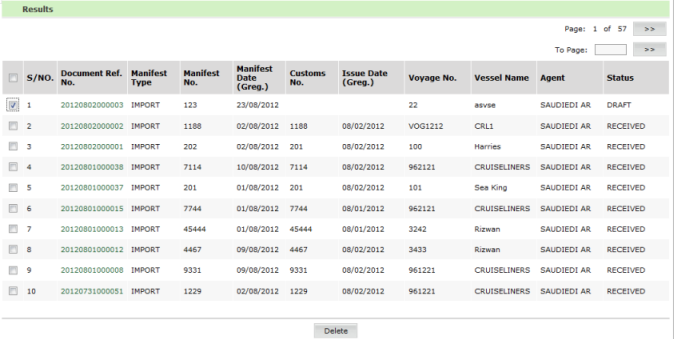
Manifest Search Result page
4. Select the corresponding Document Reference Number to be deleted.
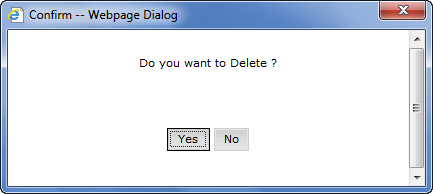
Confirmation Message Box
5. Click Yes. The Deleted Message page is displayed.
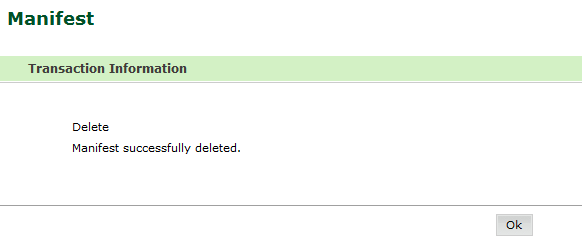
Deleted Message page
Related Topics:
|