 |
 |
|
|
This page allows you to search and view the good description details of the import manifest in the SaudiEDI application.
To search the good description details
1. Open the Goods Description page. (SAUDIEDI>> Manifest >> ECL >> Goods Description)
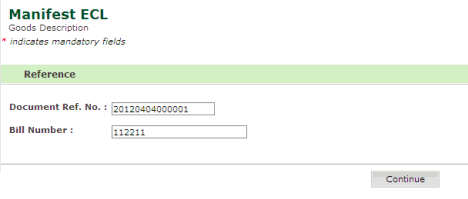
Search Goods Description page
2. Enter
information in the Search Criteria
fields.
| Field | Description |
Document Ref. No. |
Enter the document reference number. |
Bill Number |
Enter the bill number relevant to the manifest. |
3. Click Continue button. The Goods Description Details page is displayed.
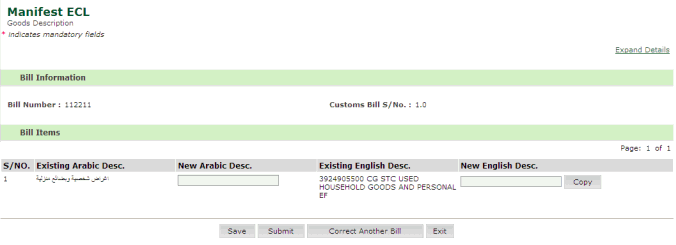
Goods Description Details page
4. Enter
information in the Bill Items
fields.
| Field | Description |
New Arabic Description |
Enter the Arabic description of the item. |
New English Description |
Enter the English description of the item. |
5. Click Save. The Confirmation Message Box is displayed.
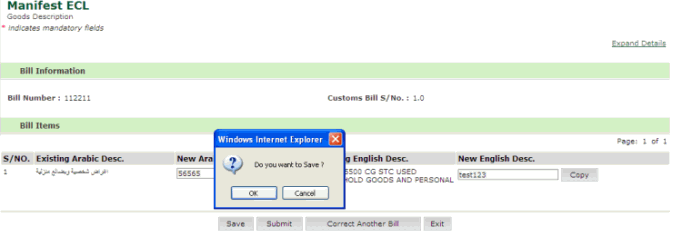
Confirmation Message Box
6. Click OK. The "Manifest ECL saved successfully" message is displayed.
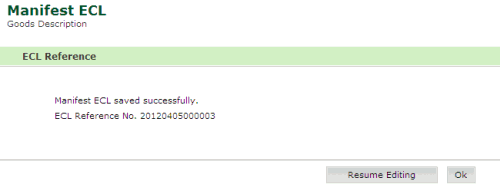
Confirmation Message page
7. Click Resume Editing button. The Goods description Details page is displayed.
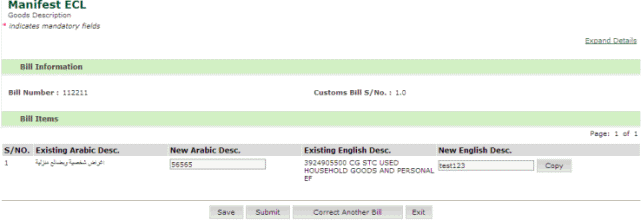
Goods Description Details page
8. Click Correct Another Bill button. The Search Criteria page is displayed.
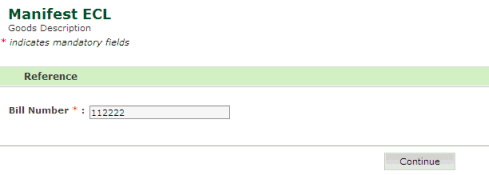
Search Criteria page
9. Enter the Bill Number.
10. Click Continue. The Goods Description Details page is displayed.
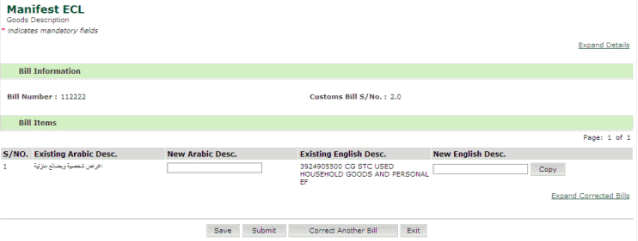
Goods Description Details page
11. Enter information in the Bill Items Fields.
12. Click Submit. The Confirmation Message Box is displayed.
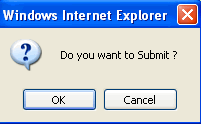
Confirmation Message Box
13. Click Ok. The "ECL Manifest has been successfully sent" page is displayed.
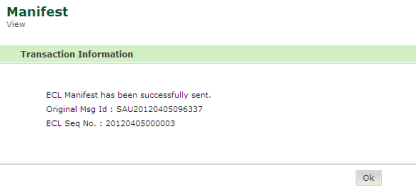
Confirmation Message page
Back To:
|