 |
 |
|
|
This page allows you to search and view the ETAECL details of a manifest in the SaudiEDI application.
To search the ETAECL details
1. Open the ETAECL page. (SAUDIEDI>>Manifest>>ECL >>ETAECL)
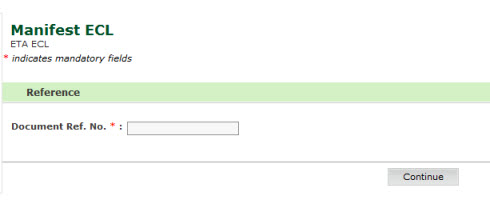
2. Enter the Document Reference Number
3. Click Continue, ETAECL page is displayed.
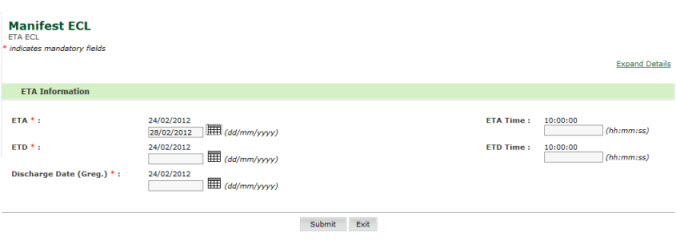
4. Enter information in ETA Information fields.
| Field | Description |
ETA |
Enter the estimated date of arrival. |
ETA Time |
Enter the estimated time of arrival. |
ETD |
Enter the estimated date of departure |
ETD Time |
Enter the estimated time of departure |
Discharge Date |
Enter the estimated vessel discharge date |
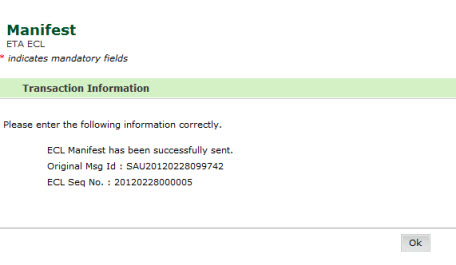
5. Click Submit button. The updated ETAECL page is displayed.
Back To:
|