 |
 |
|
|
This option is used to view the Home page alerts in the SaudiEDI application.
To view the home page alerts
1. Open the Home Page (SAUDIEDI>>Home)
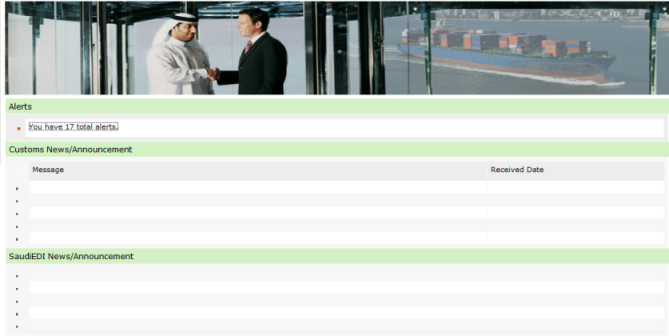
Home Page
2. Click Alerts link. View Alerts screen is displayed.
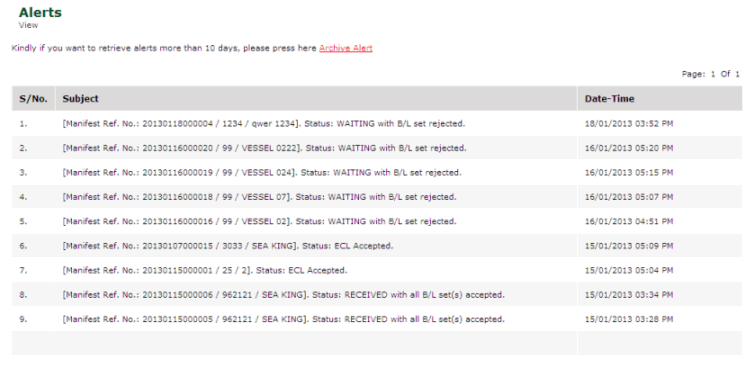
View Alerts Page
Note: For more information on alert search details above ten days, click Archive Alert hyper link. |
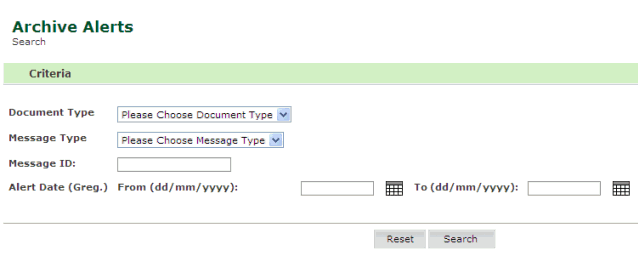
Archive Alert page
2. Enter the information in the search criteria fields.
| Field | Description |
Document Type |
Select the document type from the drop down list. |
Message Type |
Select the message type from the drop down list. |
Message ID |
Enter the message ID. |
Alert From/To Date |
Enter the from/ to alert date. |
3. Click Search. The Alert Search Result page is displayed.
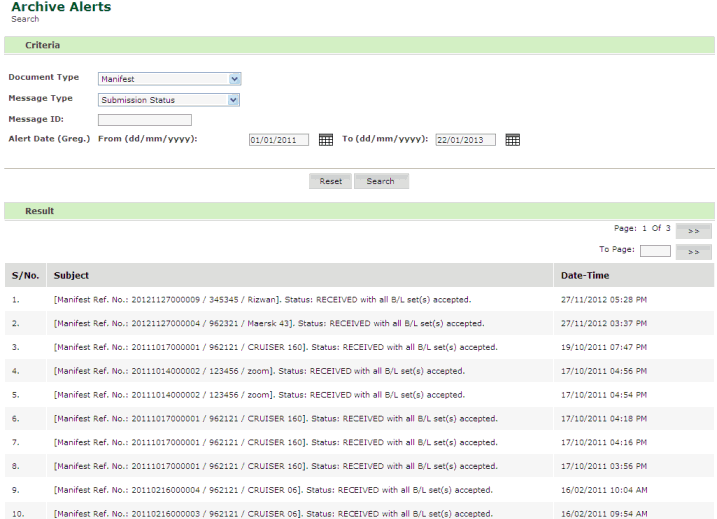
Alert Search Result page
3. Click Subject link, to view the alert details
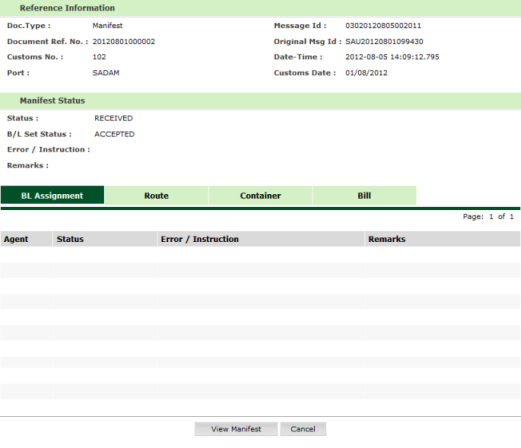
View Alerts Information Page