 |
 |
|
|
This option allows you to add the ECL agent details of the import manifest using SaudiEDI application.
To add the ECL agent details
1. Open the Search page. (SAUDIEDI>> Manifest>> Search)
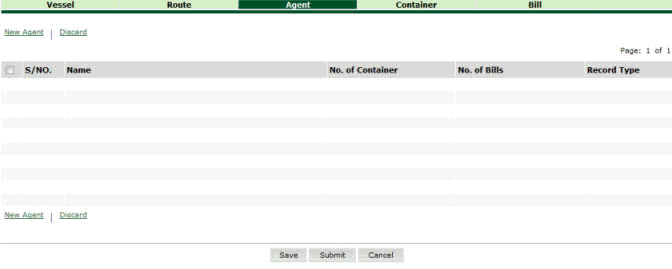
Search ECL Agent Details page
2. Click New Agent hyper link. The Agent Details page is displayed.
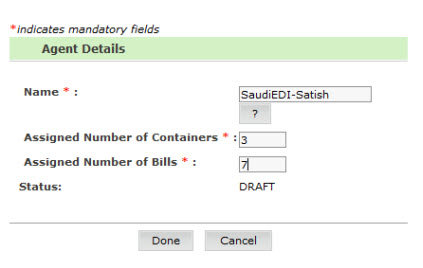
Agent Details page
3. Enter the information in the Agent Details fields.
| Field | Description |
Name |
Enter
the name or select the name using the |
Assigned Number of Containers |
Enter the number of containers. |
Assigned Number of Bills |
Enter the assigned number of bills. |
4. Click Done. The ECL Agent Details Added page is displayed.
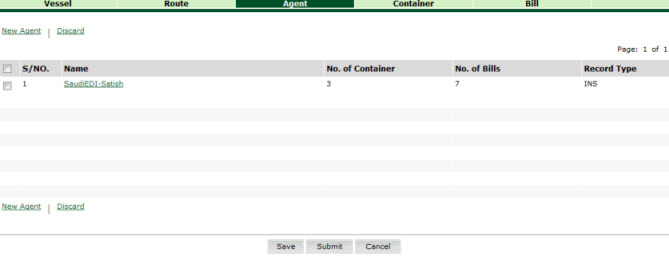
ECL Agent Details Added page
Related Topics: Back to:
|
 icon.
icon.