 |
 |
|
|
This function allows you to search and edit the container .
To edit the container
1. Open the Search page. (SAUDI EDI>> Checkout Container Permit>> Search)
2. Click the Container Reference No. link to retrieve the record as described in Searching ECL Checkout Container Permit.
3. Click Edit button, the Checkout Container Permit Edit screen will be displayed.
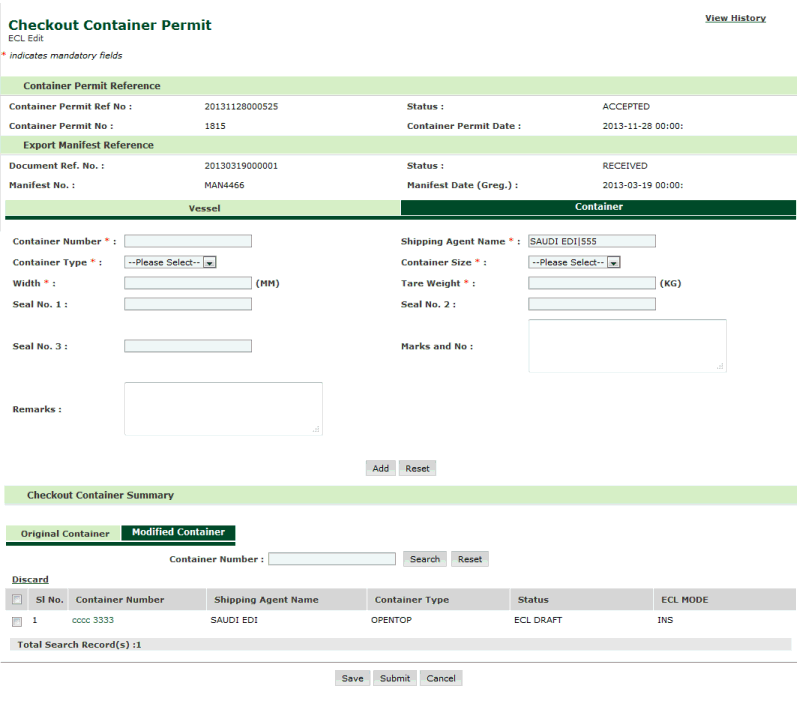
Checkout Container Permit ECL Edit Page
Note: For records which are there in Modified Container checkbox and hyperlink will be disabled in Original Container. On click of Container Number hyper-link, screen will be displayed as shown below where user can modify the data such as container number, container size, width etc….. |
4. Click the Container Number link. The ECL edit screen will be displayed.
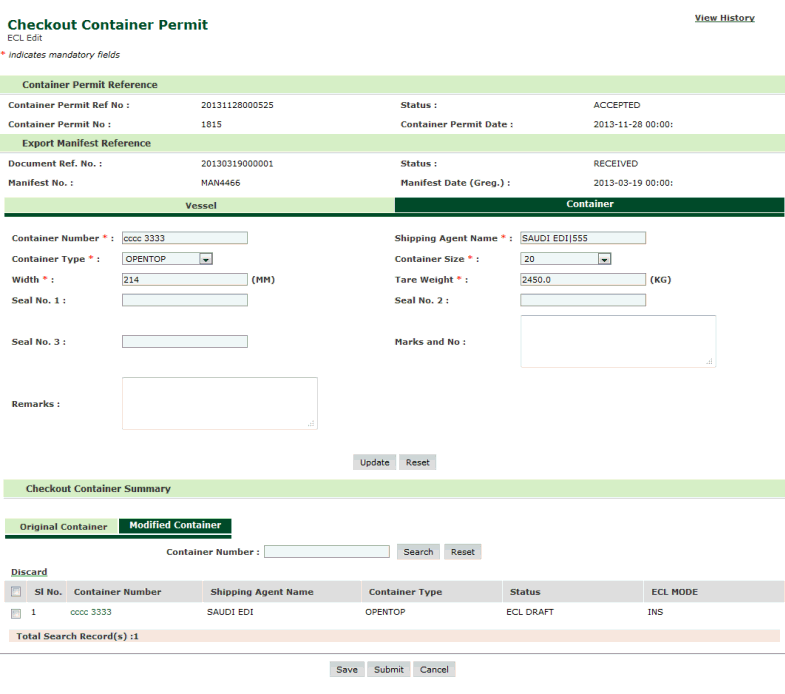
Checkout Container Permit ECL Editing Page
5. Modify the filed values and click Update button the screen will be displayed as shown below where updated record will be added in Modified Container Tab with ECL Mode as UPD under Checkout Container Summary.
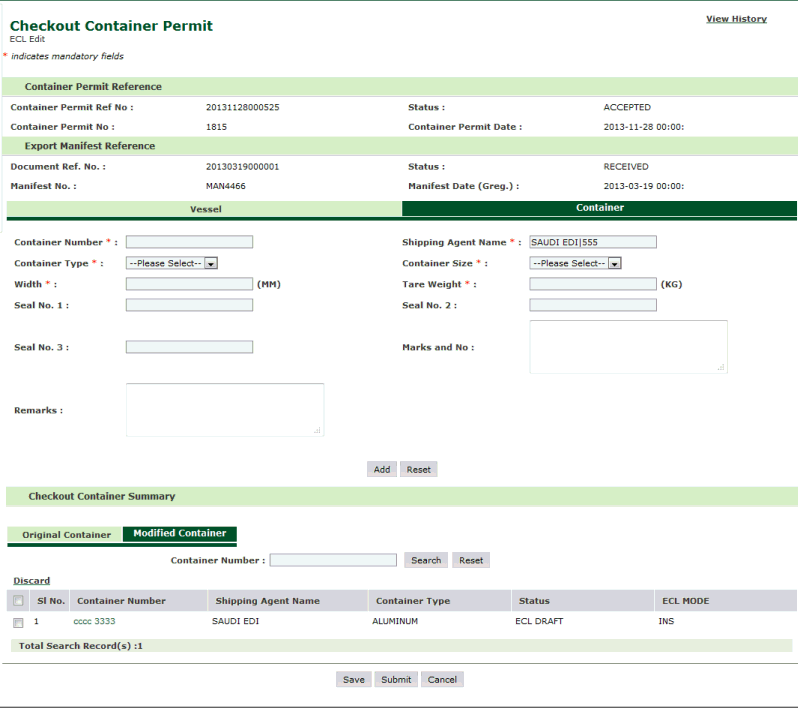
Checkout Container Permit ECL Updated Page
Note: For records which are there in Modified Container tab, checkbox and hyperlink will be disabled for corresponding records in Original Container tab. |
6. Click Save button, to save the container.
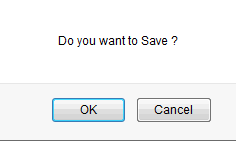
Confirmation Message Box
7. Click Ok button. The ECL Saved success screen will be displayed with the ECL SEQ NO.
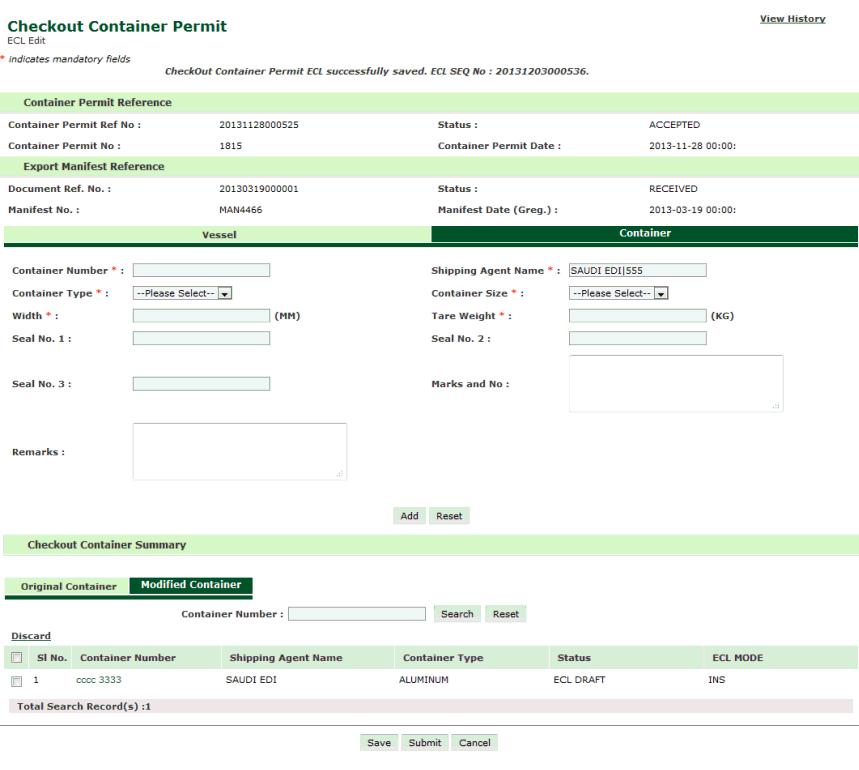
ECL Saved Success Page
8. Click Submit button.
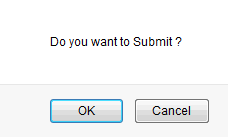
Submit Confirmation Box
9. Click Ok button. Checkout Container Permit ECL Seq. No., Doc Ref Noand Submission Message Id is generated as shown below.
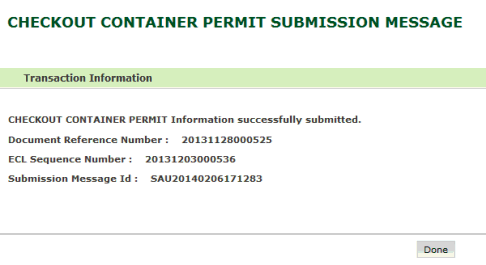
ECL Submitted Success Page
Related Topics: Back to: |