This page allows you to search and view the good description details of the import manifest in the SaudiEDI application.
To search the container number details
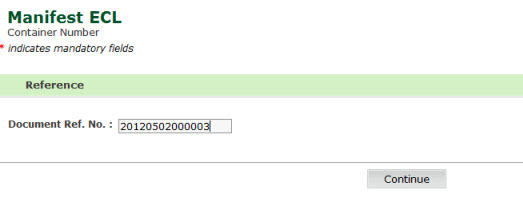
1. Open the Goods Description page. (SAUDIEDI>> Manifest >> ECL >> Container Number)
Container Number Page
2. Enter the Document Ref No, the following screen is displayed
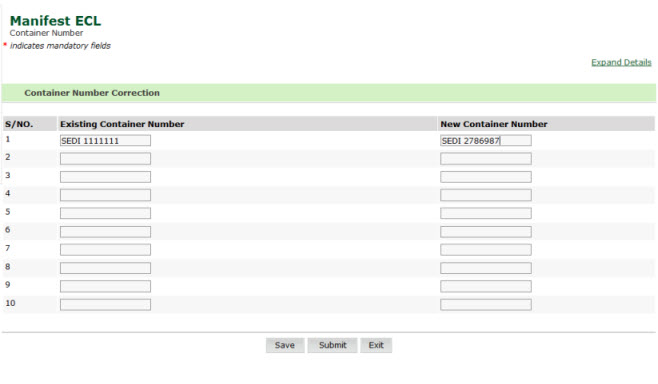
Container Number Details Page
3. Enter the Existing container and the New Container Number
4. Click Save, confirmation box is displayed
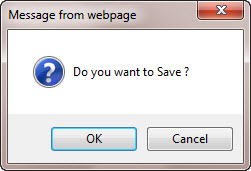
Container Number Message Box
5. Click Ok, the following screen is displayed
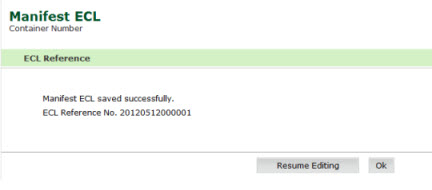
Container Number Saved Page