 |
 |
|
|
This page allows you to discard the bill route ECL details of the import manifest in the SaudiEDI application.
To discard the bill route ECL details
1. Search for the Bill Route ECL Details in the manifest as described in Searching Bill Route ECL Details
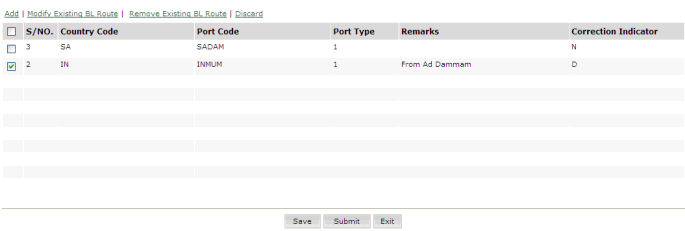
Bill Route ECL Discard page
2. Select the corresponding bill route to be discarded.
3. Click Discard hyper link. The Confirmation Message Box is displayed.
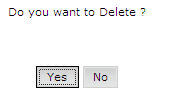
Confirmation Message Box
4. Click Yes. The Bill Route ECL Discarded page is displayed.
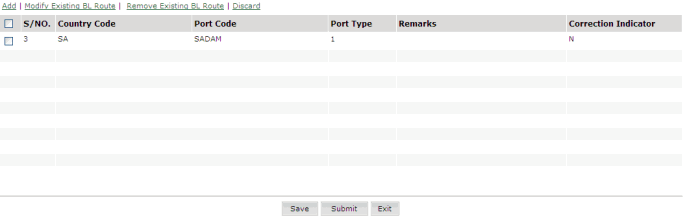
Bill Route ECL Discarded page
5. Click Submit. The Confirmation Message Box is displayed.
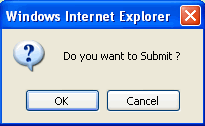
Confirmation Message Box
6. The "Manifest has been successfully sent" message is displayed.
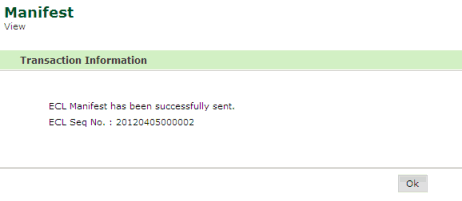
Confirmation Message
Related Topics: Back to:
|