 |
 |
|
|
This option allows you to delete the container permits using the search container permit.
To delete container permits
1. Open the Search page. (SAUDI EDI>> Checkout Container Permit>> Search)

Checkout Container Permit Search Page
2. Enter the information in the following fields:
| Field | Description |
| Container Permit Ref No | Enter the Permit Reference Number. |
| Container Permit No | enter the Container Permit Number. |
| Export Doc Ref No | Enter the Export Document Reference Number |
| Status | Select the status of the checkout container permit from the drop-down list. |
| Container Permit Date | Select the container permit date using the calendar icon. |
3. Click Search button. The search result screen will be displayed.
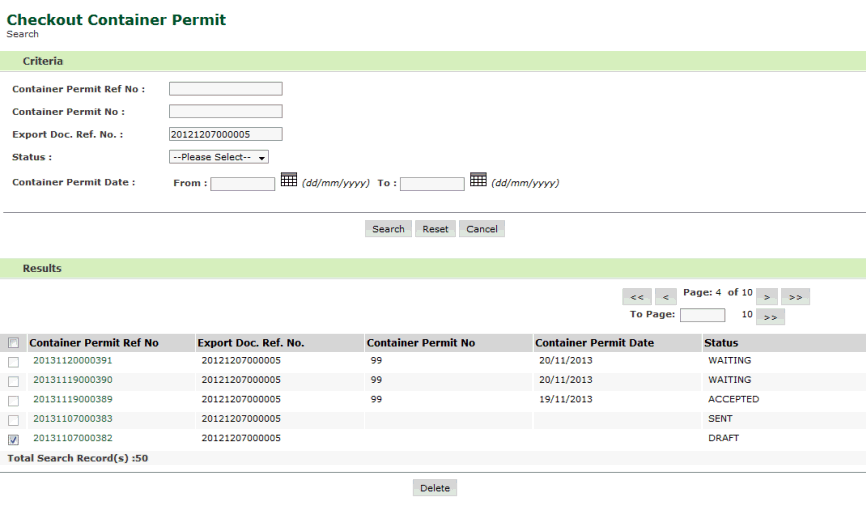
Check out Container Permit Search Result Page
4. Select the corresponding check-box and click Delete button.
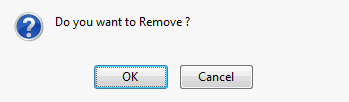
Remove dialogue Box
5. Click Ok. Checkout Container permit is deleted successfully.
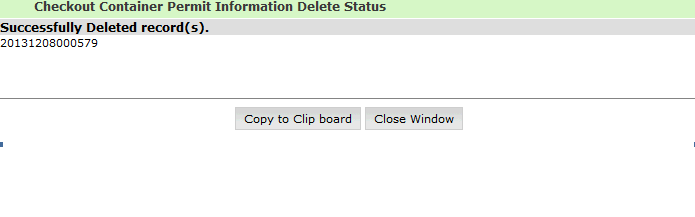
Checkout Container Permit Deleted Page
Related Topics: Back to: |