 |
 |
|
|
This function allows you to search and delete the container Permit for received status.
To delete the container permit
1. Open the Search page. (SAUDI EDI>> Checkout Container Permit>> Search)
2. Click the Container Reference No. link to retrieve the record as described in Searching Checkout Container Permit.
3. Click Correction button, the Checkout Container Permit Edit screen will be displayed.
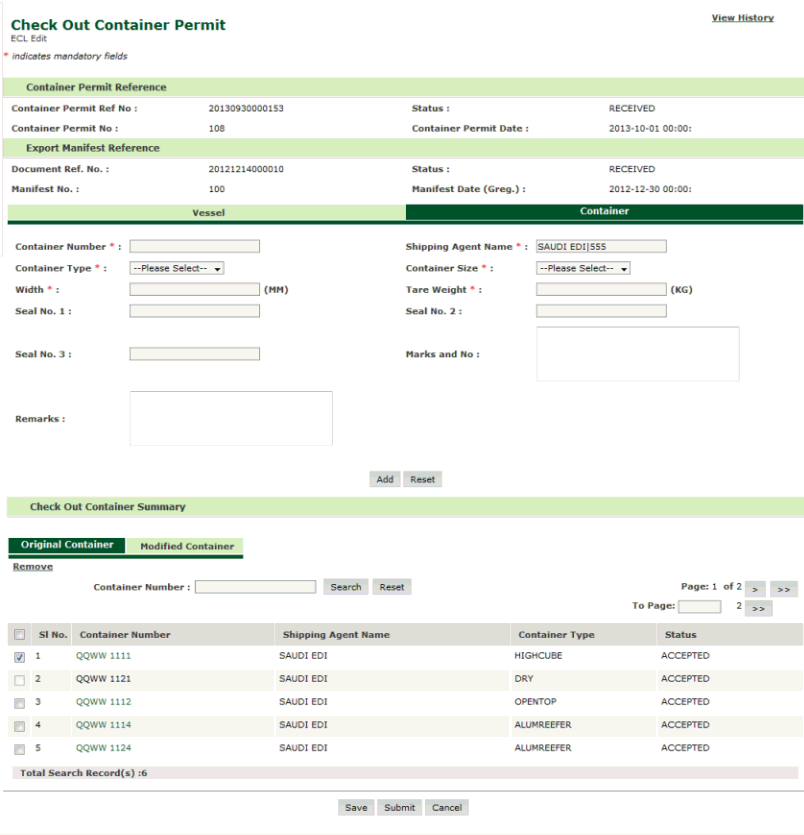
Checkout Container Permit Delete Page
4. Select the corresponding check box to delete the containers and click Remove button. The confirmation message box will be displayed.
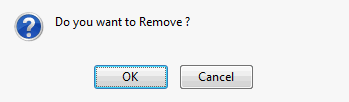
Confirmation Message Box
5. Click Ok. Container is deleted from the check out container permit list.
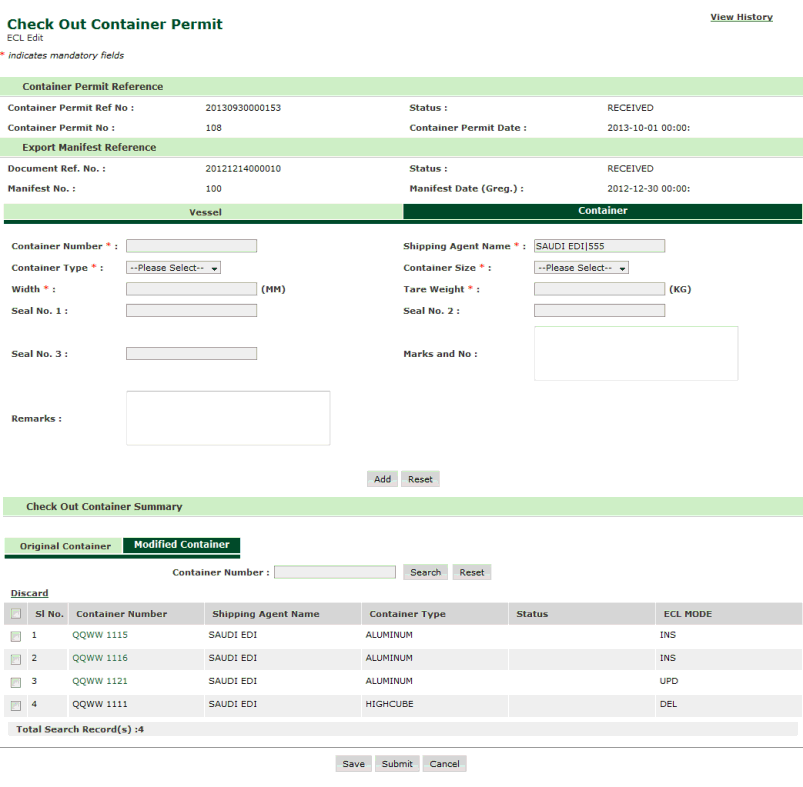
Checkout Container Permit Deleted Page
Related Topics: Back to: |