 |
 |
|
|
This page allows you to change the password for logging into SAUDIEDI application.
To change the password
1. Open the Change Password page. (SAUDI EDI>>Change Password)
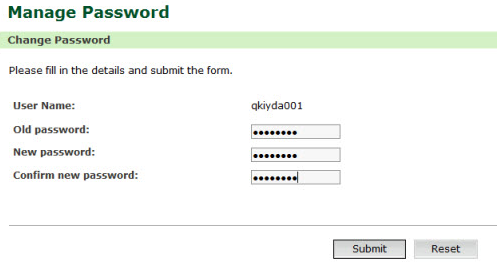
Change Password page
2. Enter the information in the Change Password fields.
| Field | Description |
Old Password |
Enter the old password. |
New Password |
Enter the new password. |
| Confirm New Password | Re-type the new password for confirmation. |
3. Click Submit. The updated Change Password page is displayed.
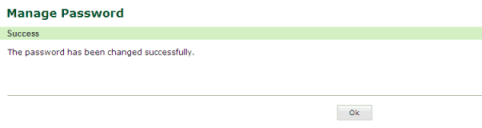
Updated Change Password page
4. Click OK. The home page is displayed.