 |
 |
|
|
This option is used to craete the restricted goods in the item section of the import declaration. If the chosen Item Tariff Code is restricted, the restricted letter information can be added. Letter Information can be added from an existing list filtered by the selected Importer Number, Tariff Code, Item Invoice UOM.
To create restricted goods
1. Open the Item page. (SAUDIEDI >> Import Declaration>> Create>> Item>> Restricted goods)
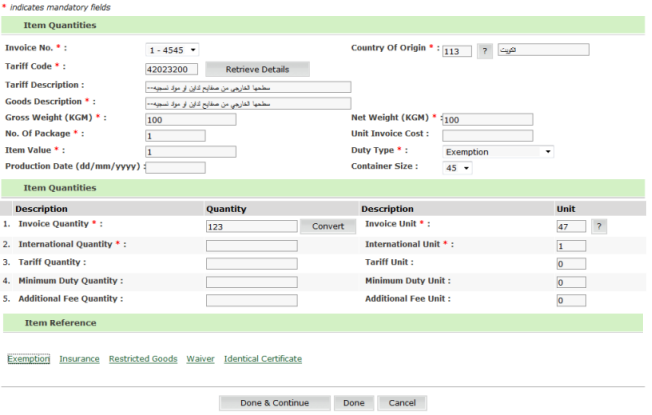
Item Quantities page
2. Click Restricted goods link, the restricted goods screen is displayed.

Restricted Goods Details Page
Related Topics: Adding Restricted Goods from the List Back to:
|